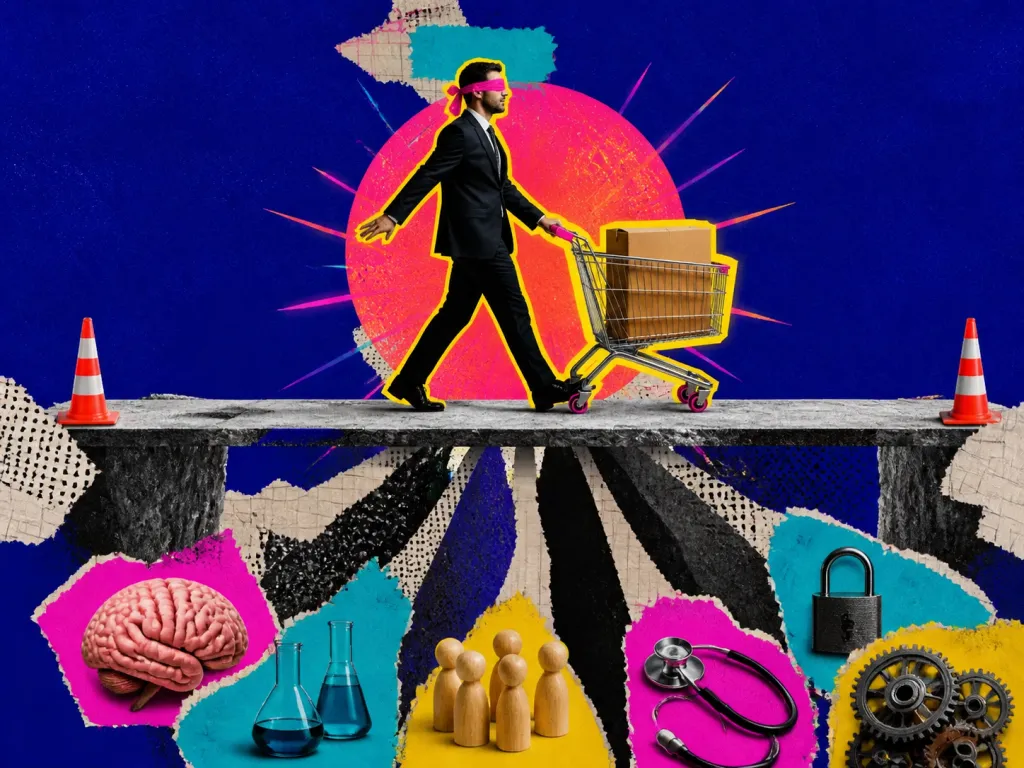
Automation Bias – when automated advice replaces independent checking
Automation Bias is the tendency to let automated cues or recommendations replace vigilant information seeking and verification. It can create commission errors, where a person follows incorrect automated advice, and omission errors, where a person fails to act because the system did not flag a problem. Automation itself can improve overall performance; the bias is inappropriate reliance when the system is wrong, incomplete, or outside its competence.
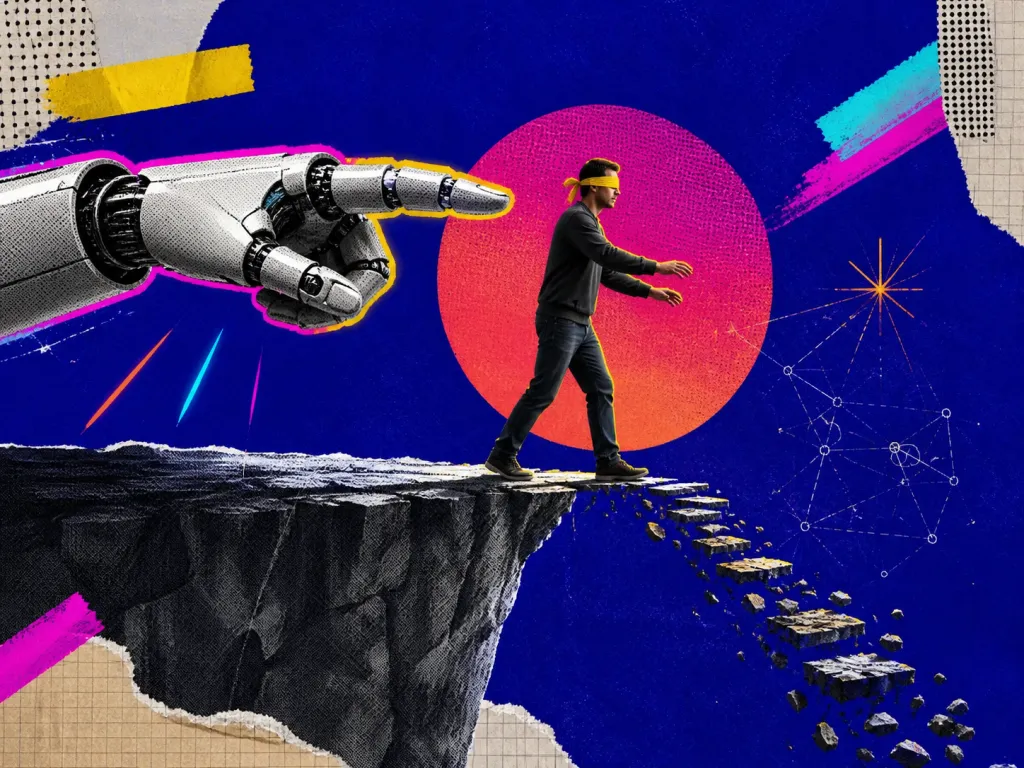
Examples and situations
- AI assistants – a fluent recommendation is accepted even though important source data points in another direction.
- Monitoring – no alert appears, so a real problem is missed because nobody checks the underlying signals.
- Human oversight – a reviewer is technically 'in the loop' but mostly confirms the automated output instead of independently verifying critical cases.
Questions to check
- Make a provisional judgment or write the decision criteria before seeing automated advice when stakes are high.
- Verify important recommendations against independent evidence or raw signals, especially when the result is surprising or costly.
- Learn the system’s known failure modes and use confidence or error information when it is actually calibrated.
- Reduce verification complexity with checklists, source links, or decomposed workflows rather than telling users to 'be more careful'.
Long-form guide
The Comfort Trap: Automation Bias and the Cost of Switching Off Your Brain
We’ve all had a moment when a machine told us something that felt wrong, and we went along anyway. The GPS says, “Turn left,” and you turn left into a dead-end construction site. The hiring system flags a candidate as “low fit,” though their portfolio shines. The medical tool approves a dosage, and the clinician clicks OK. The result? A quiet “oops” on a good day. A tragedy on a bad one.
On this page
What Is Automation Bias and Why It Matters
Automation bias is our tendency to trust automated systems more than we should, overlooking errors and dismissing our own judgment. It’s the comfort trap: the cozy feeling of certainty that software often sells, even when the data is messy, the model is brittle, or the context is new. This piece is our field guide to automation bias—practical, a bit opinionated, and grounded in the messy reality of day-to-day decisions. Automation bias shows up when we offload attention, skepticism, and responsibility to a system because “it knows better.” We lean on the tool, not as a collaborator, but as an authority. And because many tools are helpful most of the time, the habit feels safe.
Two flavors usually appear together: Commission: following an automated recommendation even when it’s wrong; Omission: failing to act because the system didn’t flag a problem. This isn’t about being anti-technology. Automation extends our reach. The danger is in turning collaboration into surrender. You can see the pattern everywhere: finance algorithms approving junk loans, clinicians clicking through alerts, pilots losing manual flying skill, workers misclassifying data because the model labeled it “likely benign.”
Why it matters: Errors scale. A small flaw plus blind trust equals fast, wide impact; Tasks change. Tools trained on yesterday’s data stumble on tomorrow’s edge cases; Humans deskill. If we “drive by GPS,” we forget the map. If we “diagnose by tool,” we stop diagnosing; Responsibility blurs. Who’s accountable when “the system said so”?. The research has been blinking red for decades: automation can make us both safer and more brittle (Parasuraman & Riley, 1997; Bainbridge, 1983). The irony is cruel: the better the automation, the easier it is to stop paying attention—until the day attention is the only thing that can save you.
1) The GPS That Knows the Road Better Than You Do
Let’s tour the terrain. None of these examples require villains. Just busy people, good tools, and the timeless friction between convenience and judgment. An operations manager drives to a site she’s visited 20 times. The GPS reroutes for “faster arrival,” leading her down an unplowed service lane after a storm.
She hesitates. The screen insists. She proceeds. The van wedges into a drift. A tow, a lost afternoon, missed crew time. Why it happened: The map had stale plowing data and a false speed estimate. Her mental map said “no.” The app said “yes.” Micro-cost, macro-pattern.
2) The Clinical Alert and the Spreadsheet That Never Lies
A hospital’s electronic prescribing system flags a drug interaction. Ninety-nine times out of a hundred, these alerts are noise. Today, it’s signal. The clinician, moving fast, clicks through. The patient has complications. The investigation finds an alert fatigue problem and an automation bias problem: the clinician trusted that “if it’s critical, the system will make me stop” (Lyell & Coiera, 2017).
A finance analyst imports an extracted dataset into a giant spreadsheet template. A single offset misaligns columns. The dashboard looks fine. The automated checks pass. The forecast goes to the board. Two weeks later, reality disagrees. The root cause? A formula pointing to the wrong month. Everyone trusted the tool’s outputs because they had always worked before.
3) The Hiring Model and the Security Console With Too Many Greens
An HR team deploys an automated screening model trained on their historic “best performers.” It downgrades nontraditional resumes. It subtly penalizes career breaks. It loves a narrow pedigree. The team notices fewer diverse candidates in later stages, but the scorecard in the tool looks so clean. “It must be objective.” Months later, they realize the model learned bias from the past and they trusted it to define the future.
A SOC analyst watches a dashboard that marks “probable false positives” in gray. A new pattern appears—labeled “low risk.” The analyst triages other alerts. The “low risk” was lateral movement. The breach lives for days. The model was calibrated for yesterday’s attackers; the team trusted its color-coding more than their hunch that something felt off.
4) The Autopilot’s Gentle Hypnosis and the Code That Wrote Itself
Airline pilots spend hours in automated flight. The best safety record in history rests on this. Yet when automation modes degrade or environmental inputs get weird, pilots must snap from supervisor to direct controller. Training combats the “out-of-the-loop” problem, but the bias lingers: the system is working, until it isn’t. When “monitor the automation” is your job, mind-wandering is the enemy.
A developer relies on AI code completion that is 85% right and 100% confident. The snippet compiles. The unit tests pass—because they’re shallow. In prod, the edge case leads to data loss. The dev trusted the generated solution’s surface fluency more than they trusted the discipline of deeper testing.
5) The Radiology Assist and the Customer Service “Smart Reply”
An AI tool flags likely nodules on CT scans. The sensitivity is terrific; the specificity isn’t. A radiologist gently tilts toward the boxes the algorithm draws and away from the quiet corners it ignores. Over time, the doc’s eye changes shape. Not laziness—plasticity. A good tool nudged a great habit out of balance.
A call center tool suggests responses ranked by “likelihood to resolve.” Reps click the top suggestion more than they should because it’s fast and usually decent. Customers with unusual cases churn. Management sees stable average handle time and misses the silent attrition of edge cases.
Recognize and Avoid Automation Bias
An operator supervises multiple drones via a polished interface. Alerts are well-tuned. After months of smooth operations, one drone’s sensor suite degrades. The interface still renders plausible values. The operator keeps trusting the panel’s green circle instead of the flickers of odd telemetry. The your-job-is-mostly-monitoring trap strikes: vigilance erosion plus interface trust equals avoidable loss. These aren’t edge-stories. They’re Tuesday. The cure isn’t to abandon tools. It’s to change the relationship: from “obedience to an oracle” to “partnership with a fallible teammate.” Start with three habits: inspect the context, interrogate the tool, and precommit to your own checks.
You’ll often spot it in your body before your brain: Relief at not having to decide; Anxiety about contradicting the tool, especially in front of others; A tug to move faster because the interface makes “accept” easier than “review.”; The phrase, “It’s probably fine,” on repeat. When you feel these, slow your hands. Ask one rude question about the recommendation’s origin. Ask one even ruder question about what would make it wrong. These aren’t ceremony. They’re brakes and guardrails. Use lightly but consistently.
Team Practices That Keep You Honest
Pair on exceptions. Rotate a weekly “automation red team” to review cases where the tool was wrong and what fooled you; Keep an error diary. Log your automation-led mistakes without blame. Pattern-spot the types of failures you’re vulnerable to; Flag edge-case zones. Label contexts where the tool underperforms and rout them to manual review by default; Set tripwires. Predefine conditions that force a manual check: data gaps, unusual ranges, “first time we’ve seen this,” or stakes above a threshold;
Separate builders and judges. The person who tunes the model shouldn’t approve its use in contexts that benefit them. Fresh eyes help; Calibrate trust with metrics. Track precision/recall in the live environment, not just in the lab. Share it with users plainly. Confidence is a number, not a vibe; Practice mode awareness. For systems with multiple automation modes, train “call and response” rituals—say the active mode out loud and what it implies. Aviation gets this right for a reason.
Design Moves That Fight Bias
If you build tools, you can make trust earned, not default: Show why, not just what. Offer feature attributions, exemplars, or confidence bands. Avoid false precision; Surface uncertainty. Put ranges, not single-point predictions, when appropriate. Color is not a truth-maker; Make divergences visible. Show when live inputs drift from training data.
Blink when domain shifts occur; Keep manual skills warm. Rotate users into manual mode for short reps. Skill is a muscle; Slow the dangerous path. Insert friction—extra review, delayed execution—for high-risk, low-reversibility actions. Research supports this: transparency and calibrated feedback improve human-automation teaming and reduce complacency (Parasuraman & Riley, 1997; Dzindolet et al., 2003).
Related or Confusable Ideas
Automation bias sits next to a crowd of cousins. Knowing the difference helps you pick the right countermeasure. Automation complacency: You monitor less carefully because the system rarely fails. It’s more about vigilance degradation than decision bias, but they feed each other (Parasuraman & Riley, 1997); Out-of-the-loop performance problem: Over time, you lose situational awareness and the ability to take over when needed. This is the classic handoff failure in high-automation environments; Authority bias: You defer to perceived authority. The “authority” can be a person or a slick UI. If it looks official, it must be right; Anchoring: Your first piece of information (the model’s score) drags your estimate toward it. Even if you adjust, you rarely adjust enough;
Confirmation bias: Once the tool points one way, you notice evidence that fits and ignore what doesn’t; Default effect: We accept the default action. If “accept recommendation” is the path of least resistance, users accept it; Omission bias: We prefer harm by inaction over harm by action. “I let the system run” feels safer than “I intervened and was wrong.” Algorithm aversion vs. appreciation: People sometimes reject algorithms after seeing errors (aversion), yet also overtrust them when they appear consistent (appreciation) (Dietvorst et al., 2015); Deskilling: Long-term reliance reduces human skill, turning rare manual interventions into risky moments (Bainbridge, 1983). The pattern is a loop: reliable automation breeds trust; trust breeds less oversight; less oversight hides drift; drift makes failure sharper when it comes.
Field Guide: Driving With Navigation and Hiring Scores
Stories help, but practice is better. Here are concrete moves for common contexts. When your GPS suggests a weird turn near a place you know: Pause. Ask: “What’s the downside of ignoring this turn?” Often it’s two minutes; Check one raw signal: zoom out to see road type or traffic. Does it make sense?; If it’s nighttime, bad weather, or the road looks sketchy, favor your eyes over the icon. Your tires pay, not the app.
Hide the score initially. Read the resume first and write one sentence on strengths and one on risks. Then reveal the score; If your judgment and the model disagree, escalate review rather than letting either side “win.”; Track outcomes by group. If the model’s errors cluster, stop trusting it in that zone and retrain.
Field Guide: Clinical Support, Code Suggestions and Dashboards
Treat informational alerts differently from interruptive ones. Don’t reflex-click. Name the alert type out loud: “FYI versus hard stop.”; For high-risk meds, require a second person to confirm any override or acceptance; Keep a short “almost mistakes” log. Review every week. This is gold. Accept suggestions into a scratch buffer, not directly into production files; Write tests first for critical paths. If a suggestion passes without meaningful tests, you learned nothing; When the assistant writes boilerplate, skim; when it writes logic, review as if a junior dev wrote it.
Once a week, open the raw table behind one key metric. Spot-check 10 rows. Learn one oddity; Compare two different aggregations. If the story flips based on grouping, stop and ask why; Declare a “red team metric day” once a month where someone tries to make the dashboard look bad on purpose.
Security Operations and Why We Love Automatic Certainty
Define “yellow flags” that must be investigated even if the system is green—like new admin accounts or off-hours authentication spikes; Rotate analysts across tools so no one marries a single platform’s green lights; After incidents, ask: “What did the tool say, and why did we believe it?”. We’re not weak. We’re efficient. Our brains love heuristics, and automation is the king of heuristics: it collapses uncertainty into clean output. Under time pressure, that’s delicious. Under scrutiny, it’s fragile. Four forces make automation bias sticky:
Scarcity: Time, attention, and energy are finite. A button that makes decisions is tempting; Accountability: Tools offer cover. “The system said so” feels safer than “I thought so.”; Consistency: Machines are consistent. Humans crave that. We overgeneralize reliability from normal to abnormal; Interface gravity: Design nudges behavior. Big green “Accept” buttons move fingers. Dense explanations do not. Knowing this doesn’t make you immune. It gives you leverage: build micro-frictions, precommit to checks, and normalize dissent against the machine.
FAQ: Straight Answers to Real Questions
Q: How do I know when to double-check the system versus just trusting it? A: Look at impact, reversibility, and novelty. If the stakes are high, the action is hard to reverse, or the context is new to the tool, slow down and sample the raw. For routine, low-stakes calls, let the tool run—but review periodic samples.
Q: Won’t all these checks slow me down too much? A: Not if you scale them. A three-minute check on a high-stakes decision is cheap insurance. Automate your skepticism: create templates, pre-commit tripwires, and standardize quick reviews. The point is to be deliberate, not drag everything into a meeting.
Q: How do I push back on a tool everyone else worships? A: Bring examples, not opinions. Show two cases where the tool failed and why. Suggest a safe pilot for an alternative or a revised process. People don’t abandon tools; they adjust them when the evidence is clear.
Q: What if I’m the one building the automation—how do I prevent users from overtrusting it? A: Design for calibrated trust. Expose uncertainty, highlight drift, make errors visible, and add friction to risky actions. Teach the failure modes in your onboarding. If the model is weak in an area, say so on-screen.
Q: Isn’t the bigger risk that people won’t use the tool at all? A: Both overtrust and underuse are risks. Solve for fit. Use feedback loops and shadow tests to show value while clearly marking blind spots. Users tend to overtrust when the tool feels smooth; counter with transparency and guardrails.
Q: Can training alone fix automation bias? A: Training helps, but context beats talk. Pair training with interface changes, process tweaks, and incentives. Teach people, yes—but also make the right action easier than the wrong one.
Q: Are there fields where automation bias is worse? A: Any context with high reliability and rare failure—aviation, medicine, nuclear operations, algorithmic trading—breeds complacency. Fields with lots of data but weak ground truth (hiring, risk scoring) invite false certainty.
Q: How do I measure if automation bias is hurting us? A: Track discrepancy rates between human and tool decisions, then compare outcomes. Review overrides and near-misses. Audit drift and recalibration frequency. If error clusters appear in specific contexts, you’ve found a bias seam.
Q: What’s one thing I can do today to reduce automation bias? A: For your next important decision, write a one-sentence hypothesis before opening the tool: “I expect X because Y.” Then check the tool. Note where you changed your mind and why. That tiny ritual anchors you to reasoning before influence.
Wrap-Up: Keep the Wheel, Even With Cruise Control On
Automation is a gift. It catches patterns you miss, keeps vigil while you sleep, and crunches math faster than your morning coffee hits. But it’s not your conscience, your judgment, or your context. When you hand those over, you pay in surprise later. Automation bias is the story of quiet erosion: each time you click “accept” without thinking, you sand down skill, curiosity, and ownership. You don’t feel the loss right away. One day you’ll need those muscles. Better to keep them warm. You don’t need a manifesto to fight automation bias. You need two minutes, one counterexample, and the habit of asking, “What would make this wrong?” Hold the wheel. Let the machine help. Make better calls. And if a calm, confident screen ever tells you to turn left into a lake—look up. Then turn right.
Parasuraman, R., & Riley, V. (1997). Humans and Automation: Use, Misuse, Disuse, Abuse; Bainbridge, L. (1983). Ironies of automation; Dzindolet, M. T., et al. (2003). The role of trust in automation; Dietvorst, B. J., et al. (2015). Algorithm aversion and how to calm it. These aren’t commandments. They’re reminders that tools make us powerful, and only we make us careful.
Decision checklist
- Define the decision before you look at the tool’s output. Write one sentence: “I’m deciding X, and I need Y to decide it.” Then open the tool. This reduces anchor-and-follow
- Sample the raw. Look at a few raw data points or examples, not just the summary or score. Do the cases match the headline?
- Check the “not this” case. Ask, “What would this look like if it were wrong?” Pull a counterexample on purpose
- Disagree with it once. Spend two minutes arguing the opposite. If you can’t articulate a plausible counter, you probably haven’t thought about it yet
- Run a dumb baseline. Compare the tool to a simple rule of thumb or last week’s average. If the fancy model can’t beat dumb, pause
- Look for data drift flags. When did the model last train? Has the input distribution changed? Seasonality? New policy? New product?
- Inspect the cost of false outcomes. What’s worse here—false positives or false negatives? Tune your skepticism accordingly
- Change the default friction. Make “accept” take one extra click for high-impact decisions. Nudges work on us too
- Write a one-sentence rationale. “I’m accepting/rejecting because…” If you can’t justify it in plain language, you don’t understand it
- Time-box the investigation. Spend three minutes for low-impact calls, thirty for high-impact. The point is not to freeze; it’s to earn trust
- State the decision in one sentence before you look
- Sample three raw cases behind the summary
Evidence review
What the evidence supports
Automation bias is a documented pattern of inappropriate reliance on automated cues or recommendations. It can produce commission errors when a user follows incorrect advice and omission errors when a user fails to act because automation did not signal a problem. This does not mean automation is generally harmful: decision support can improve overall performance, and the relevant question is whether reliance remains calibrated when the system is wrong, incomplete, or difficult to verify.
How researchers describe the pattern
Research describes automation as a potential heuristic substitute for vigilant information search and processing. Reliance is shaped by trust calibration, attention allocation, workload, task complexity, time pressure, experience, and how difficult it is to verify the automated recommendation. Automation bias overlaps with automation-related complacency but the constructs are not identical.
Practical interpretation
For high-stakes decisions, make a provisional assessment or explicit decision criteria before viewing automated advice when practical. Verify consequential recommendations against independent cues or source data, especially when the system is outside its strongest domain. Design the workflow to reduce verification effort with source links, decomposed checks, calibrated uncertainty, and explicit review responsibility rather than relying on generic warnings to 'be careful'.
Reviewed sources
- Automation bias: decision making and performance in high-tech cockpits controlled simulation study · 1997 · DOI 10.1207/s15327108ijap0801_3
- Automation bias: a systematic review of frequency, effect mediators, and mitigators systematic review · 2011 · DOI 10.1136/amiajnl-2011-000089
- Automation bias and verification complexity: a systematic review systematic review · 2017
- What is Wrong With Automation Bias? conceptual analysis · 2026 · DOI 10.1007/s13347-026-01090-9
Editorial review: 2026-08-18. The controlled evidence class is an editorial reading aid, not a numeric truth score; the descriptive status above carries the entry-specific qualification.
Continue from here